QuickBooks Online in BlueIQ
See your QuickBooks income and expenses next to production.
- Live dashboards and team goals
- Text and email alerts on any number
- Reports delivered on your schedule
- QuickBooks Online next to your practice numbers
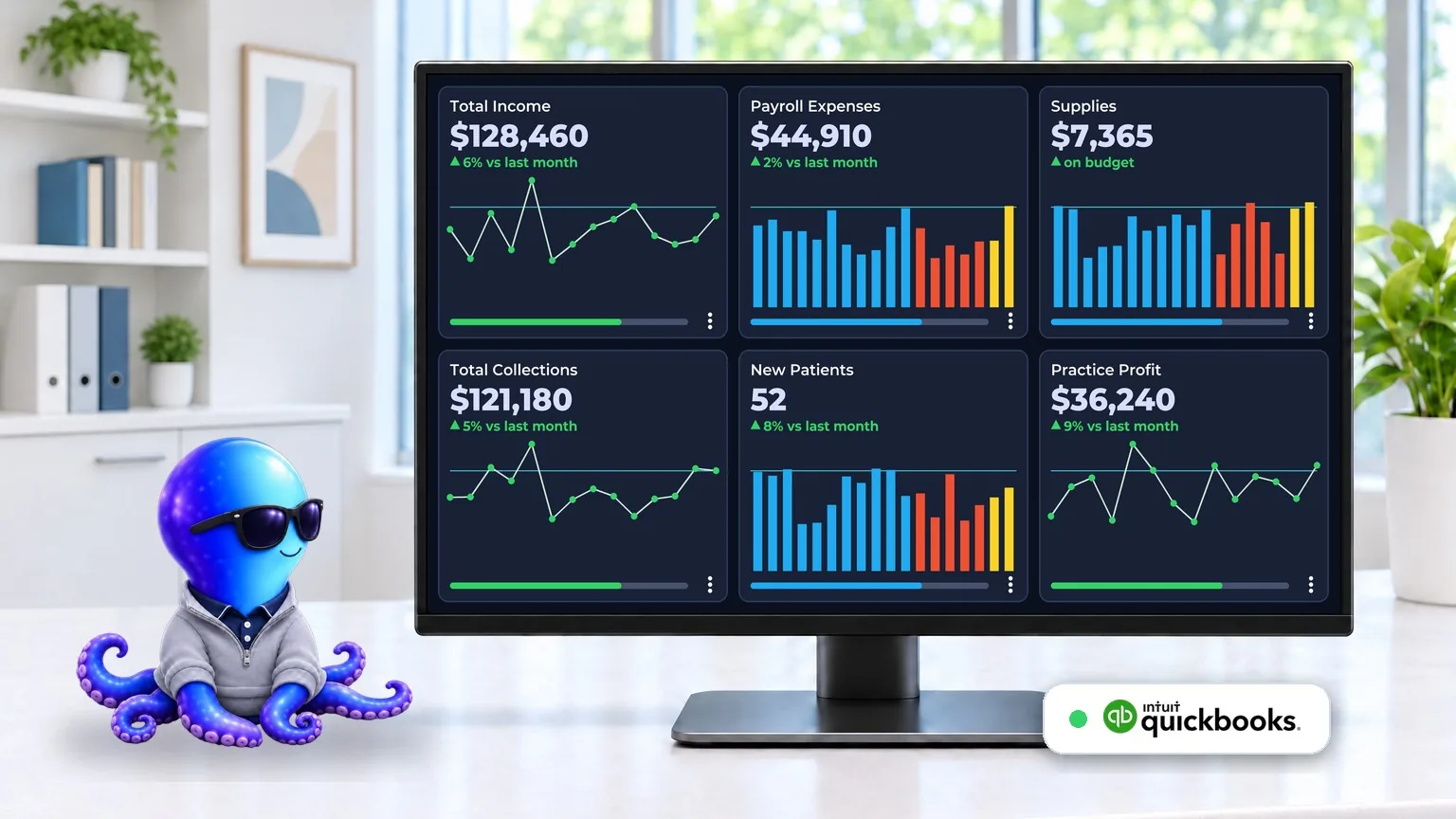
Your practice system shows production. QuickBooks shows what you keep.
BlueIQ connects to QuickBooks Online and turns the accounts in your books into live dashboard numbers, next to your practice numbers from Open Dental, Dentrix, Eaglesoft, ChiroTouch, Pryme Practice or Genesis. No supported system? BlueIQ Dash works with numbers you enter yourself. See what the practice produces and what it keeps on one screen.
Stop waiting for month end
See income and expenses as they are recorded, instead of waiting for your bookkeeper's report.
Your accounts, your way
Pick the QuickBooks accounts you care about, like payroll, supplies, rent or marketing, and give each one its own tile.
Money in and money out together
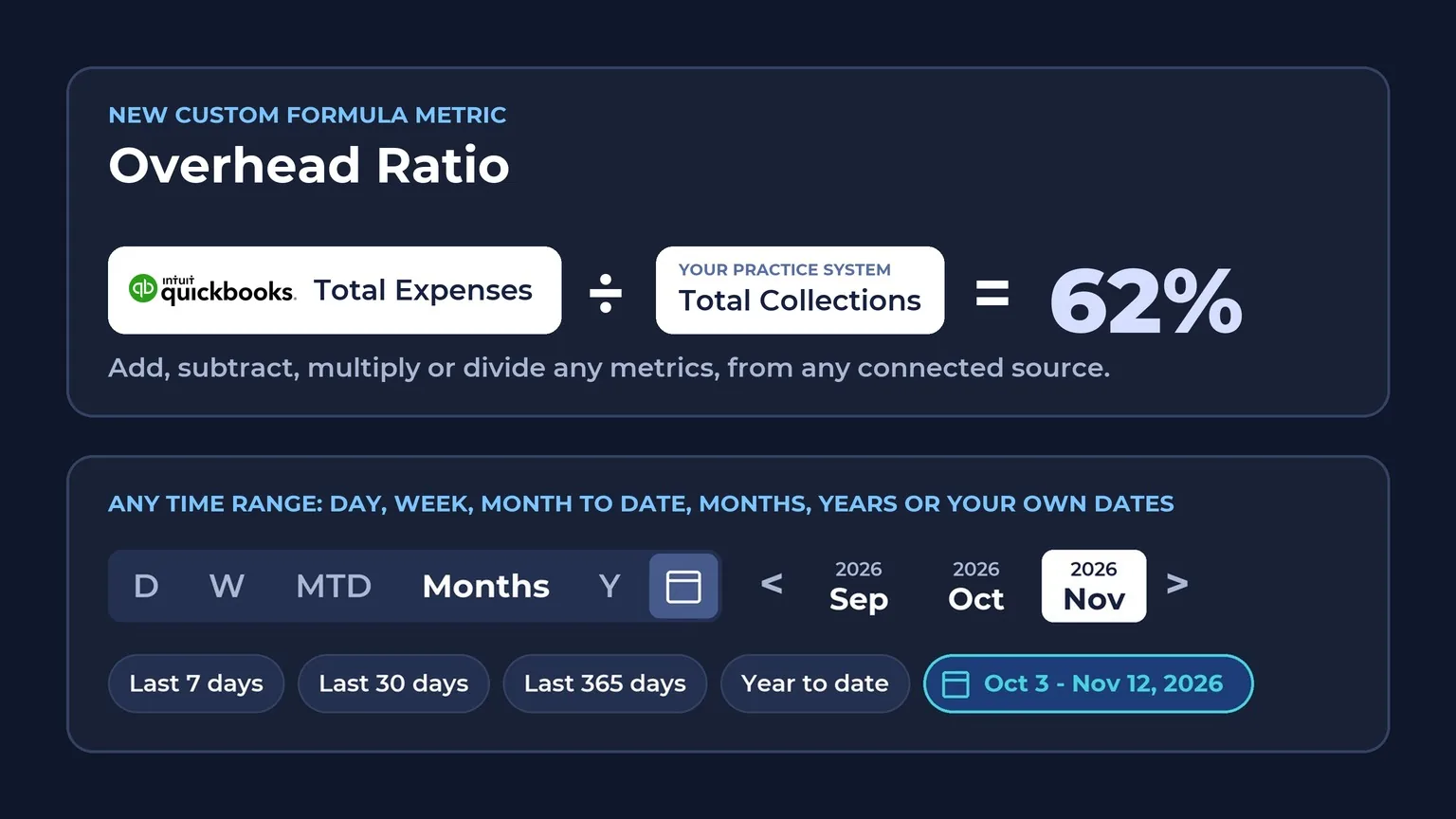
Put expenses next to collections so you can see overhead as a share of what the practice brings in.
Your QuickBooks numbers, next to your practice numbers
BlueIQ colors each number by how it compares to your goal, so you can tell at a glance what's working and what needs attention, and it flags a trend before it costs you.
You set the goals, the color ranges and the alert thresholds, for every metric.
What the colors mean (default ranges)
- Overachieving (blue): 120% or more of goal
- Goal Met (green): 100 to 119% of goal
- Slipping (yellow): 80 to 99% of goal
- Danger (red): below 80% of goal
Four kinds of alerts, by text or email
- Goal alerts tell you the moment a number hits its goal
- Trend alerts fire when a number stays Overachieving, Goal Met, Slipping or in Danger for periods in a row
- Threshold alerts fire when a number goes above or below any value you choose
- Status alerts send regular progress updates, daily or weekly
Every period is colored this way, so a run of yellow or red stands out before month end. Goals can also update themselves each period from your own trend.
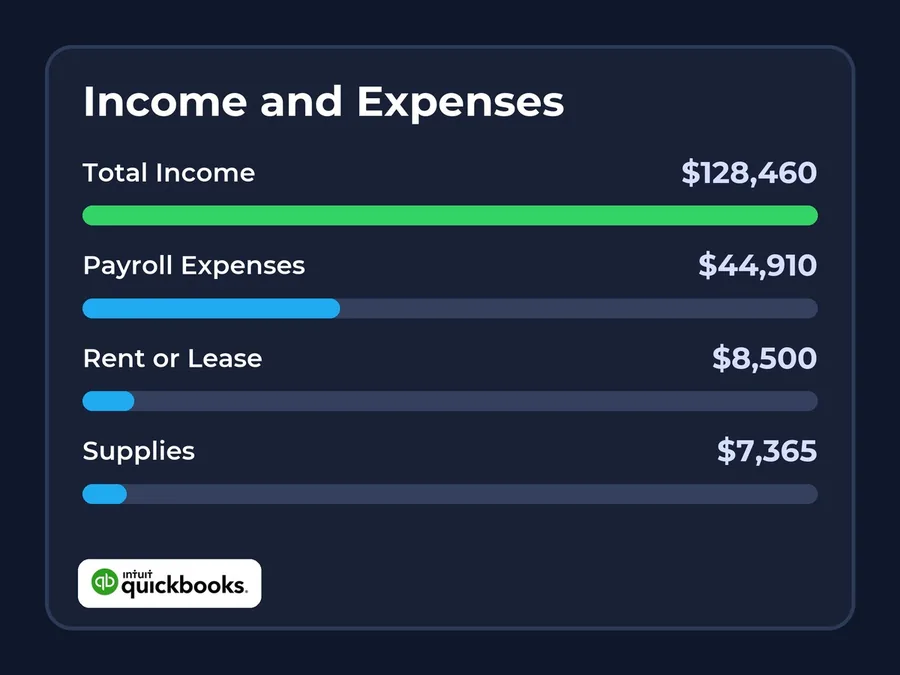
Income and expenses
Any account from your QuickBooks chart of accounts, such as income, payroll, lab fees, supplies or rent, as its own number.
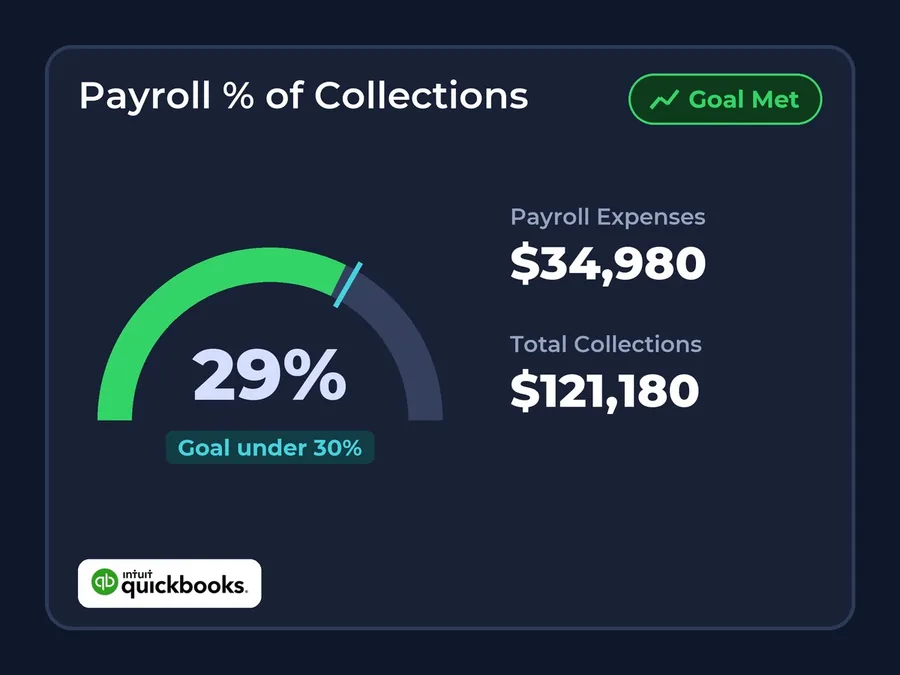
Overhead as a share of collections
Build a formula that divides an expense account by collections from your practice system, and set a goal for it.
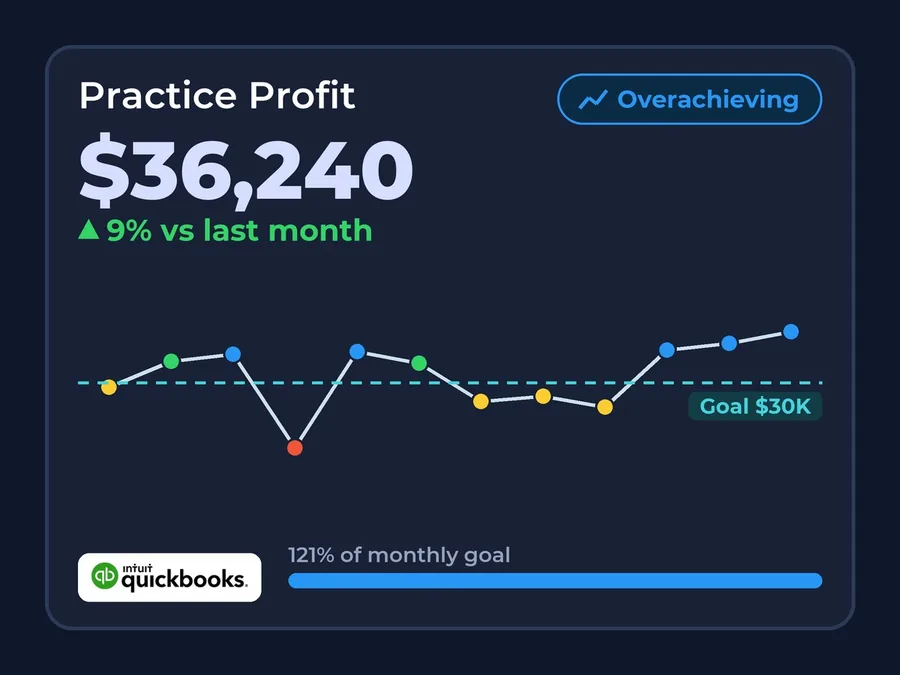
Profit
Combine income and expense accounts in a formula to see what the practice keeps, over the dates you choose.
See the full money picture
Put QuickBooks next to production and collections from your practice system, and add Google Ads and Facebook to see what marketing costs against what it brings in. Every number sits on one dashboard, over the same dates.
Seamless Setup
3 easy steps. We do the technical work, and your team keeps working in the tools they already use.
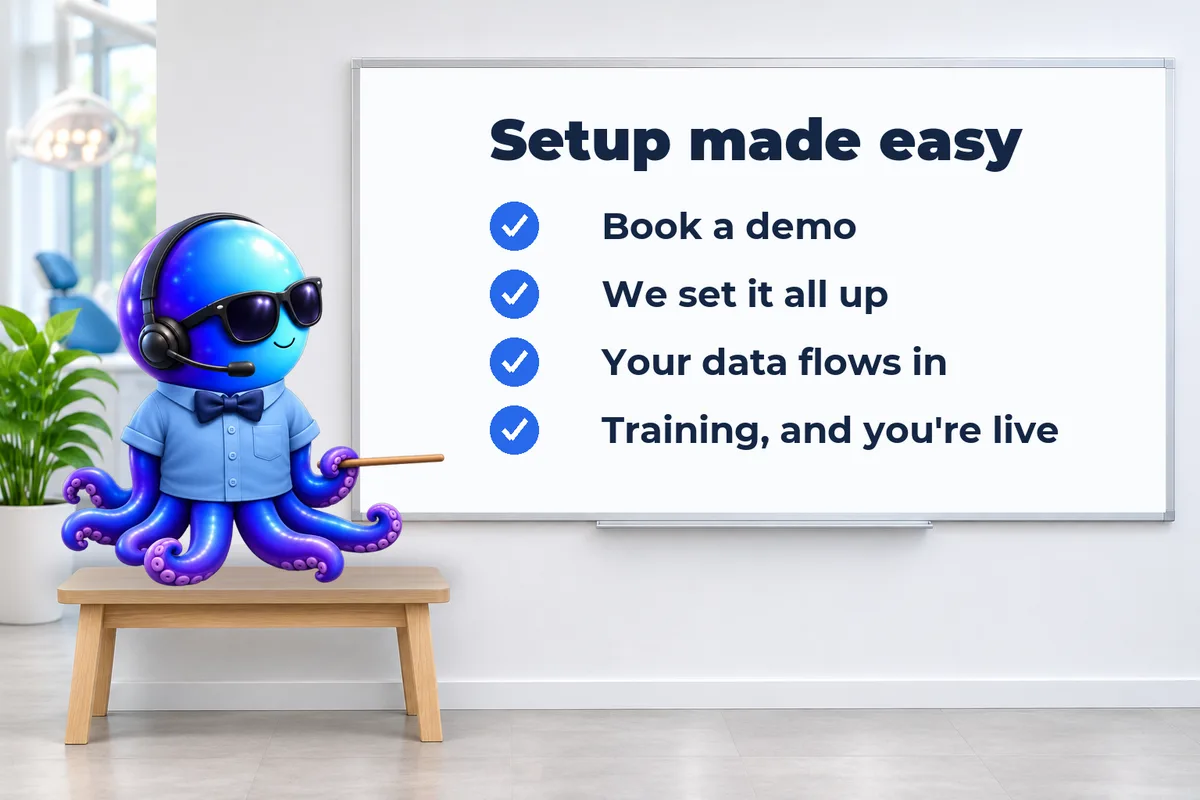
- 1Book a demo and pick your plan.
- 2Sign in to QuickBooks Online from BlueIQ and pick your account.
- 3Add QuickBooks Online numbers to your dashboards.
QuickBooks Online questions
Does BlueIQ work with QuickBooks Desktop?
Can I see QuickBooks expenses next to my collections?
Which QuickBooks numbers can BlueIQ show?
Can I see more than one practice or location from QuickBooks?
Does my bookkeeper have to change anything?
Is it safe to connect QuickBooks Online to BlueIQ?
See your QuickBooks numbers next to your practice numbers
Book a 45-minute demo and see how your expenses and your collections look on one screen.
- No contracts
- Unlimited users and unlimited training
- Practices in one of our partner consulting or coaching groups get 20% off.
Not ready for a demo, or not sure BlueIQ is the right fit?
Get a Cashflow Blueprint instead. We look at your practice data and show you, in dollars, what your practice is missing and how fast BlueIQ would pay for itself.
Get my Blueprint